Steps6
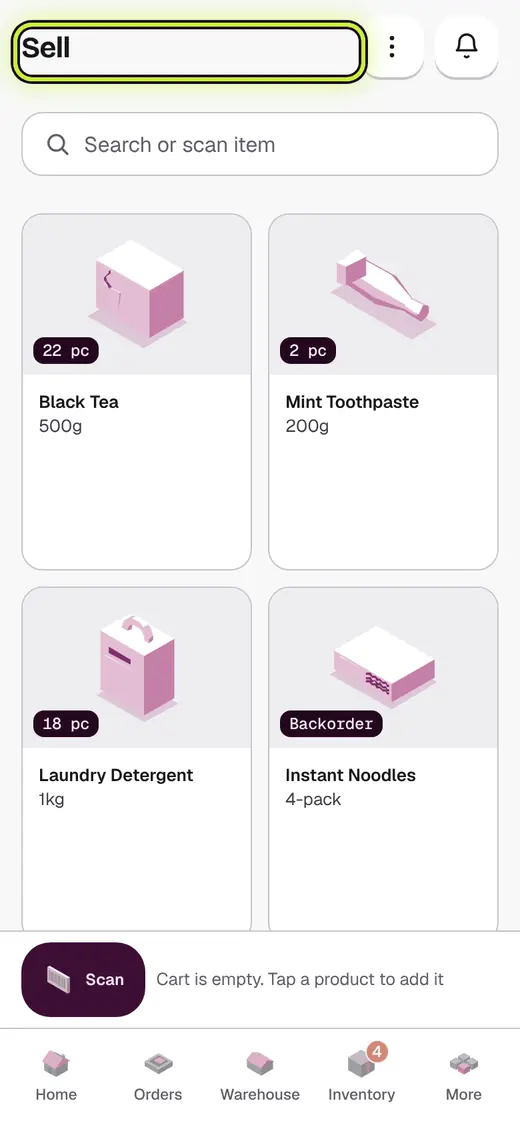
- Tap Sell.
- Scan each item, or search and tap it.
- Tap an item again to add one more.
- Tap Checkout.
- Pick Cash, UPI or Credit.
- Tap Save Bill.
If it stops you
No products yet: add your products in Inventory first.
Out of stock: the shop has none left. Add stock, or sell something else.
Good to know
- Hold an item to type how many.
- On a computer, press F8 to check out.
Next
Still stuck?
In the app, tap ? on the screen you are on and ask in your own words. Or email support@kowntx.com. A person replies in writing. Never send your PIN, code or card number.