Steps3
- Open Business.
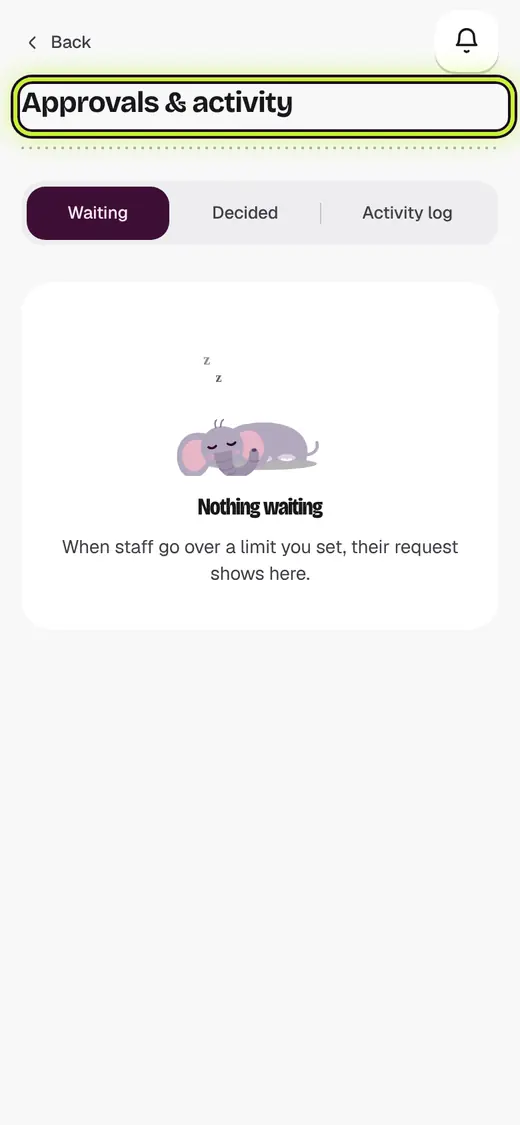
- Tap Approvals & activity.
- Tap Approve or Say no.
Good to know
- At the counter, you can type your Approval PIN on their screen instead.
- Activity log shows who changed prices, stock and access.
Still stuck?
In the app, tap ? on the screen you are on and ask in your own words. Or email support@kowntx.com. A person replies in writing. Never send your PIN, code or card number.