Steps6
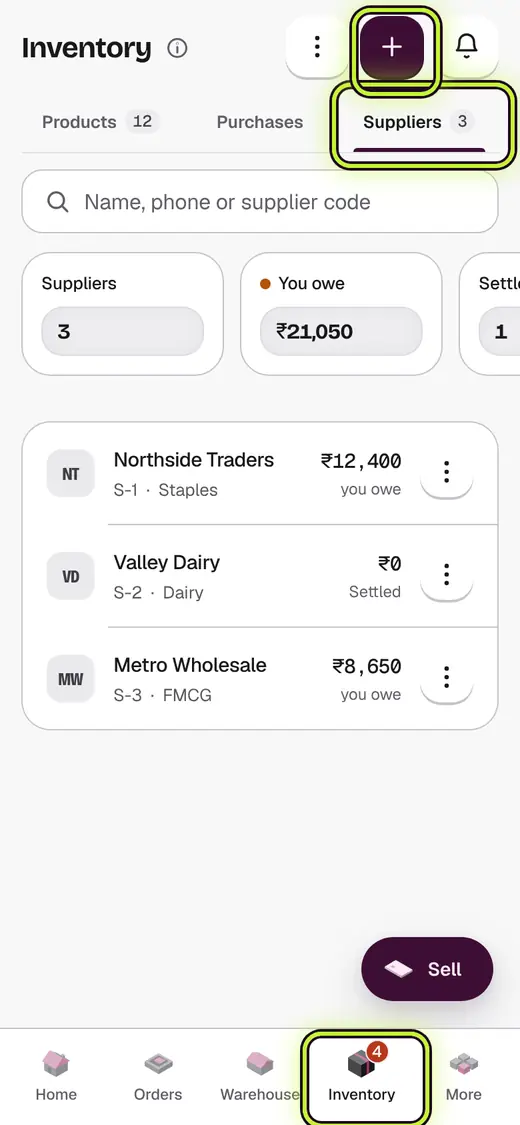
- Open Inventory.
- Tap Inventory tools.
- Tap Suppliers.
- Tap Add supplier.
- Type the Supplier name and Phone number.
- Tap Add supplier.
Good to know
- Add their GST number if they have one. Their GST comes back to you.
- Set the Usual delivery time for better reorder dates.
Still stuck?
In the app, tap ? on the screen you are on and ask in your own words. Or email support@kowntx.com. A person replies in writing. Never send your PIN, code or card number.