Steps4
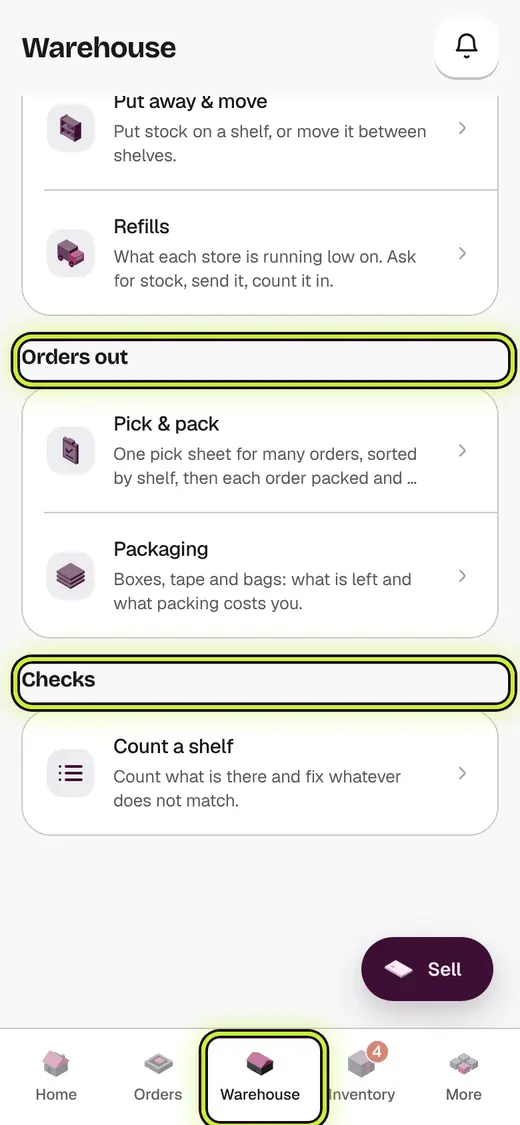
- Tap Warehouse.
- Today on the floor shows one bar: orders in Picking & packing and Ready to ship.
- Tap a row under the bar to open it.
- The tools under it follow the goods: Goods in, Orders out, Checks.
Good to know
- A lock means that module is not in your plan yet. Tap See what it adds.
- Receiving goods opens the purchase orders in Inventory, next to your suppliers.
Next
Still stuck?
In the app, tap ? on the screen you are on and ask in your own words. Or email support@kowntx.com. A person replies in writing. Never send your PIN, code or card number.